
◉
Upload your photo.
Choose a clear photo of yourself so your face and body are visible.
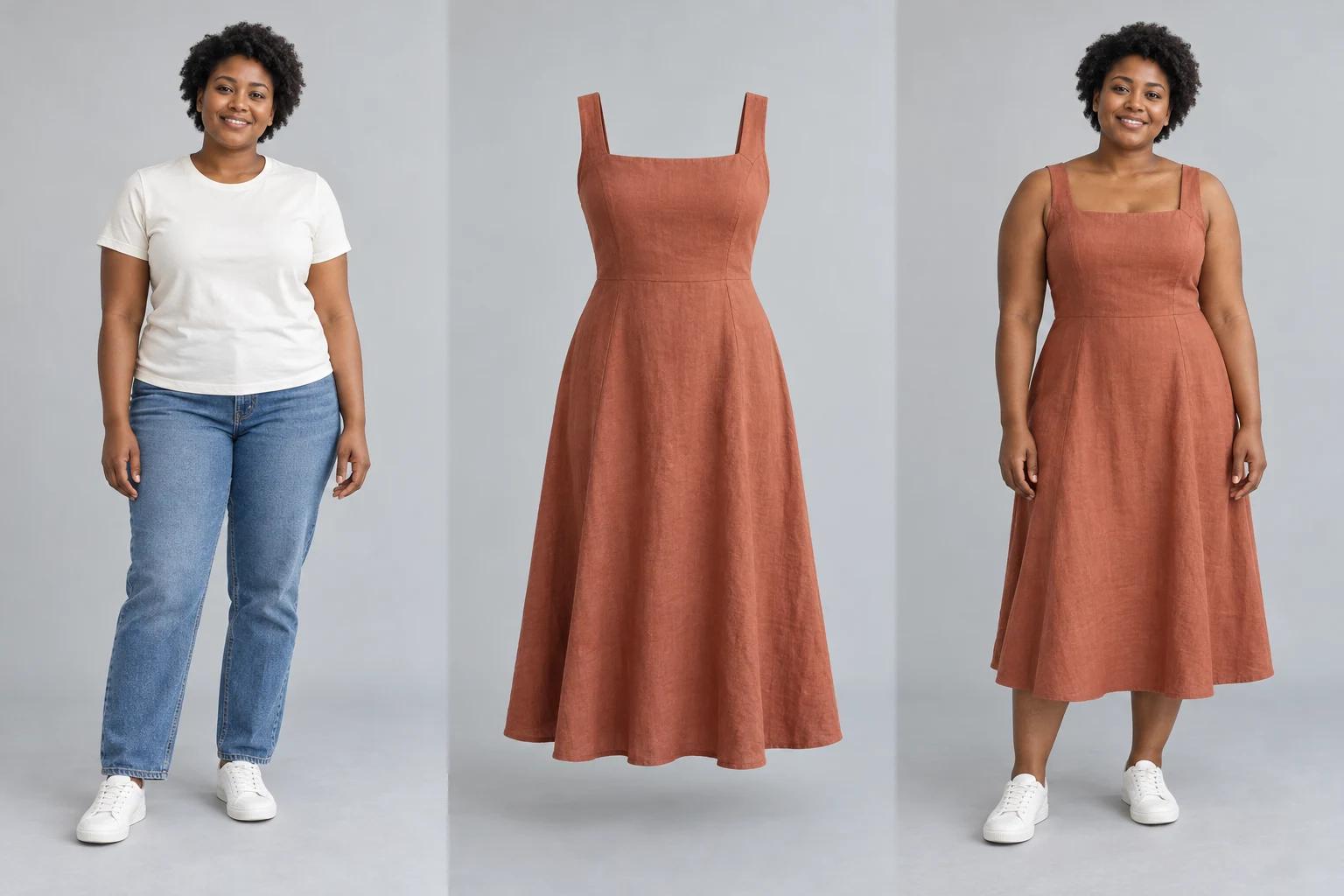
Upload your photo and a garment image to see an AI preview of how it looks on you. Try tops, bottoms, dresses, and jackets before you buy.
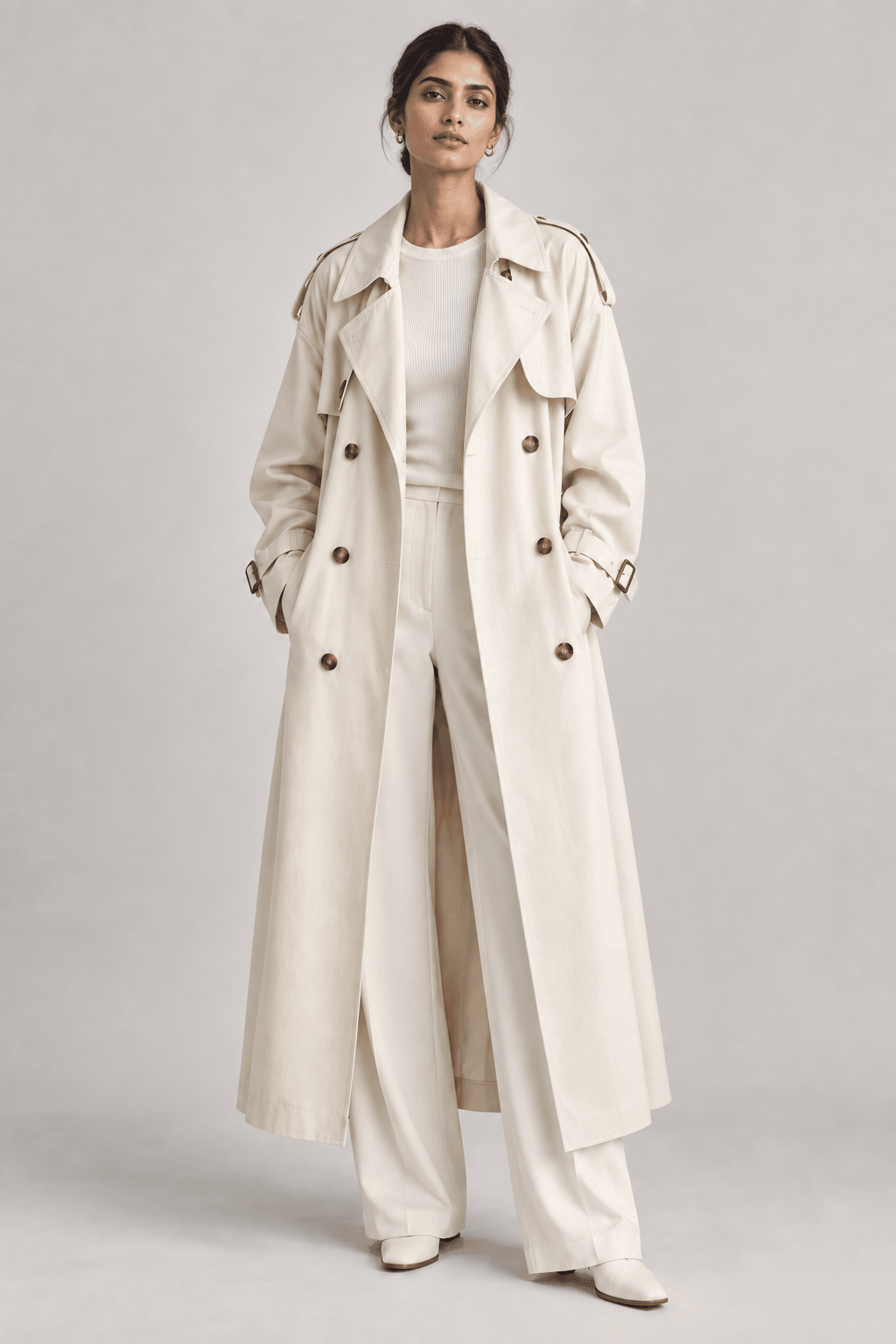 The everyday layer
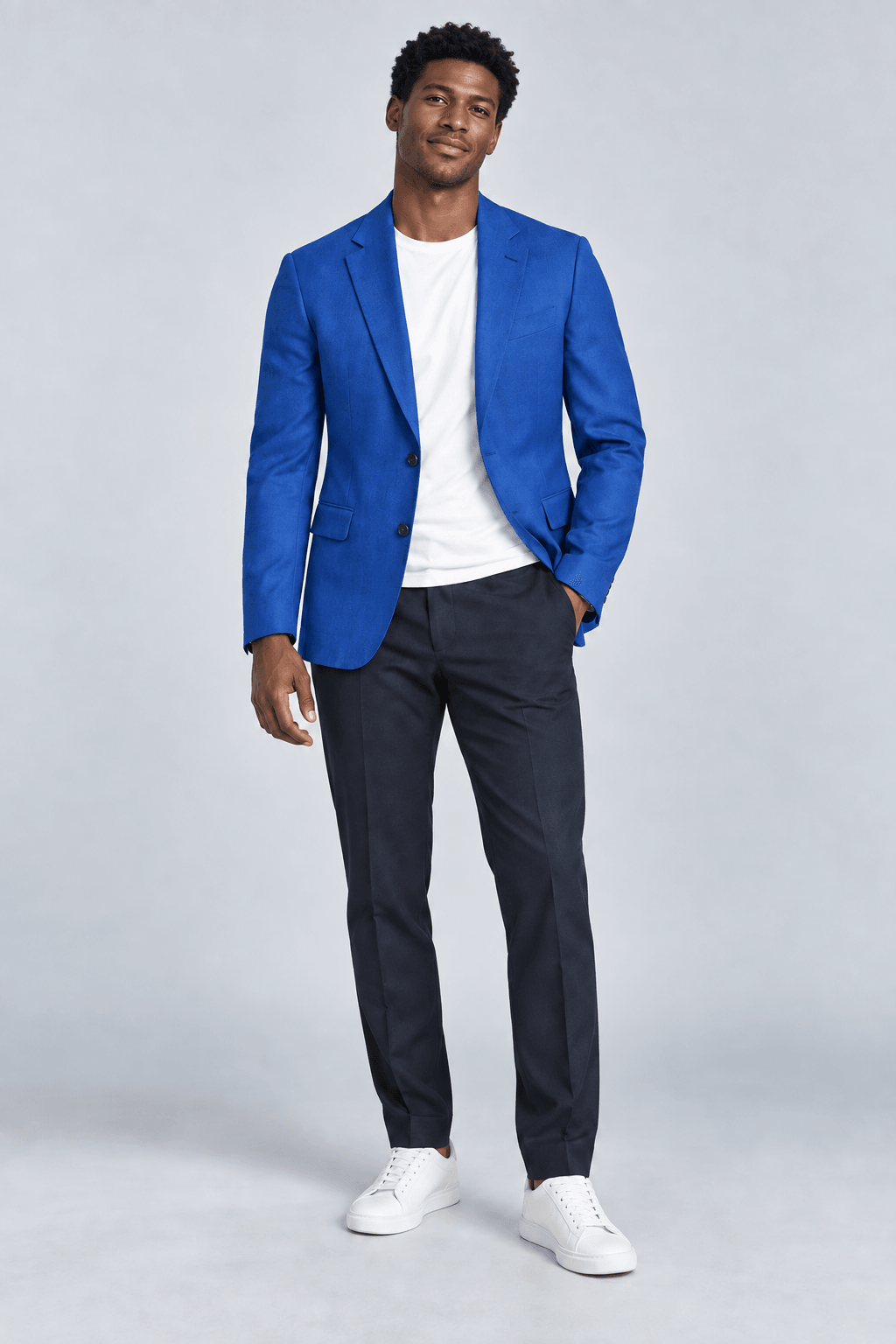 A sharper silhouette
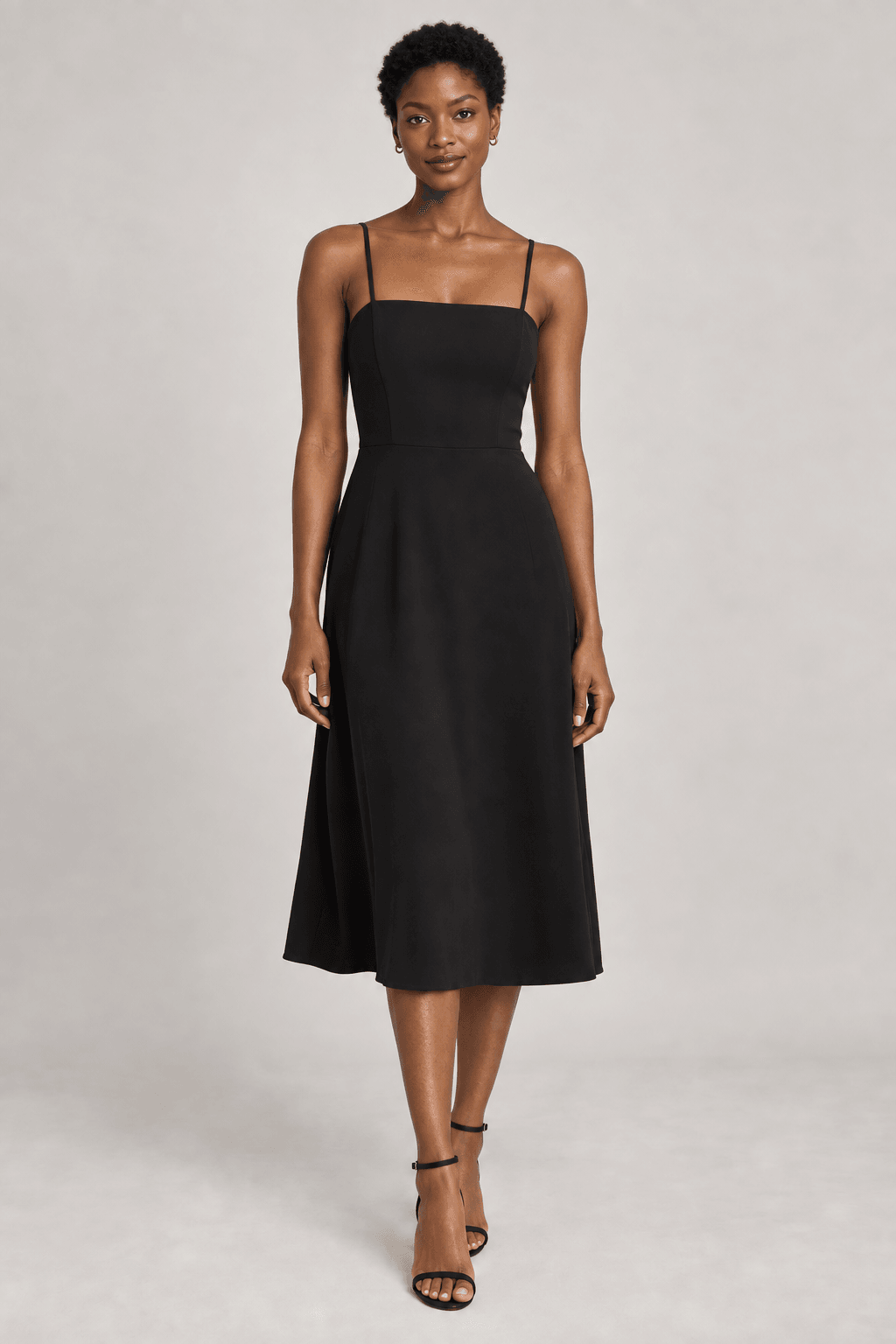 The evening edit
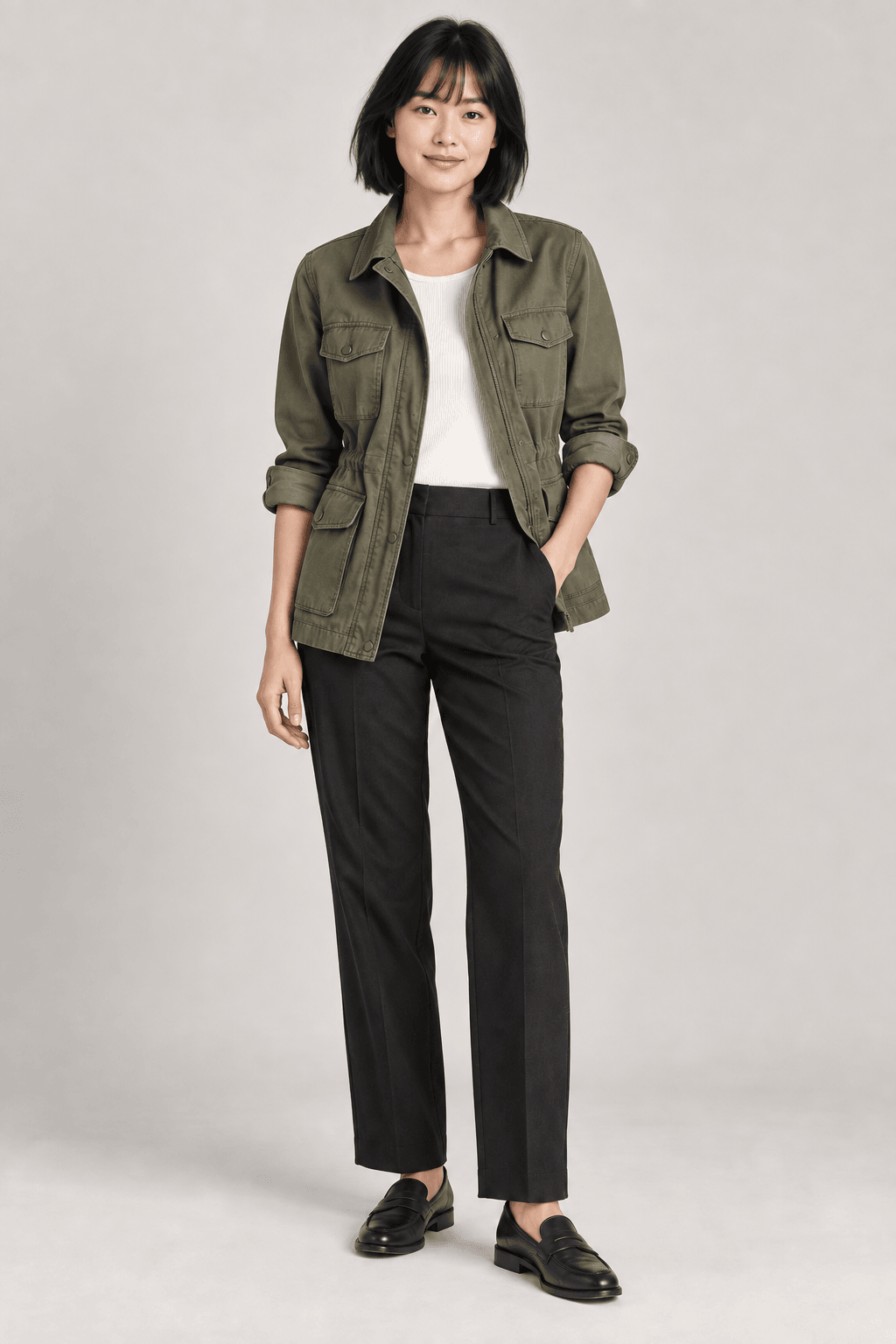 A little more ease
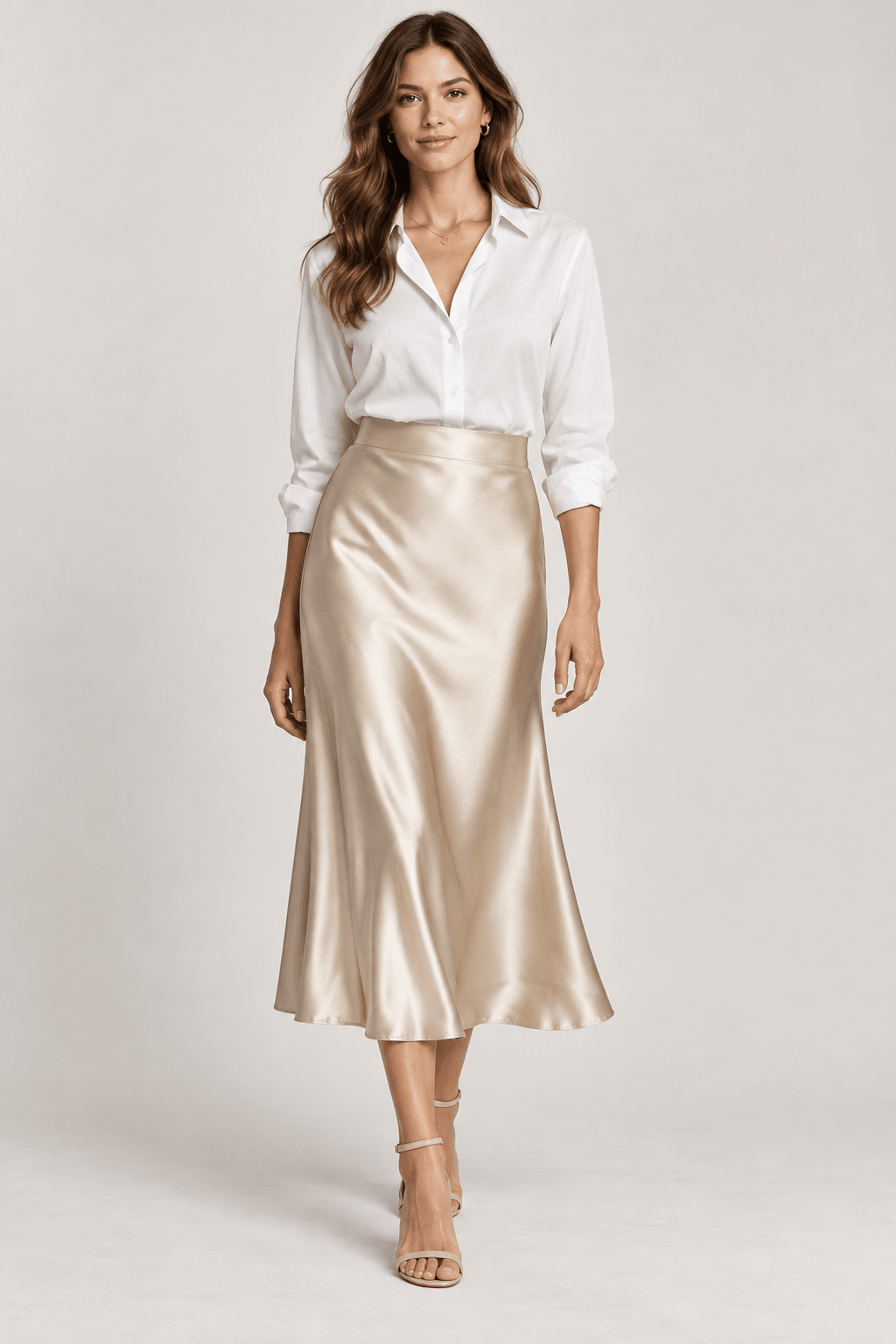 Something luminous
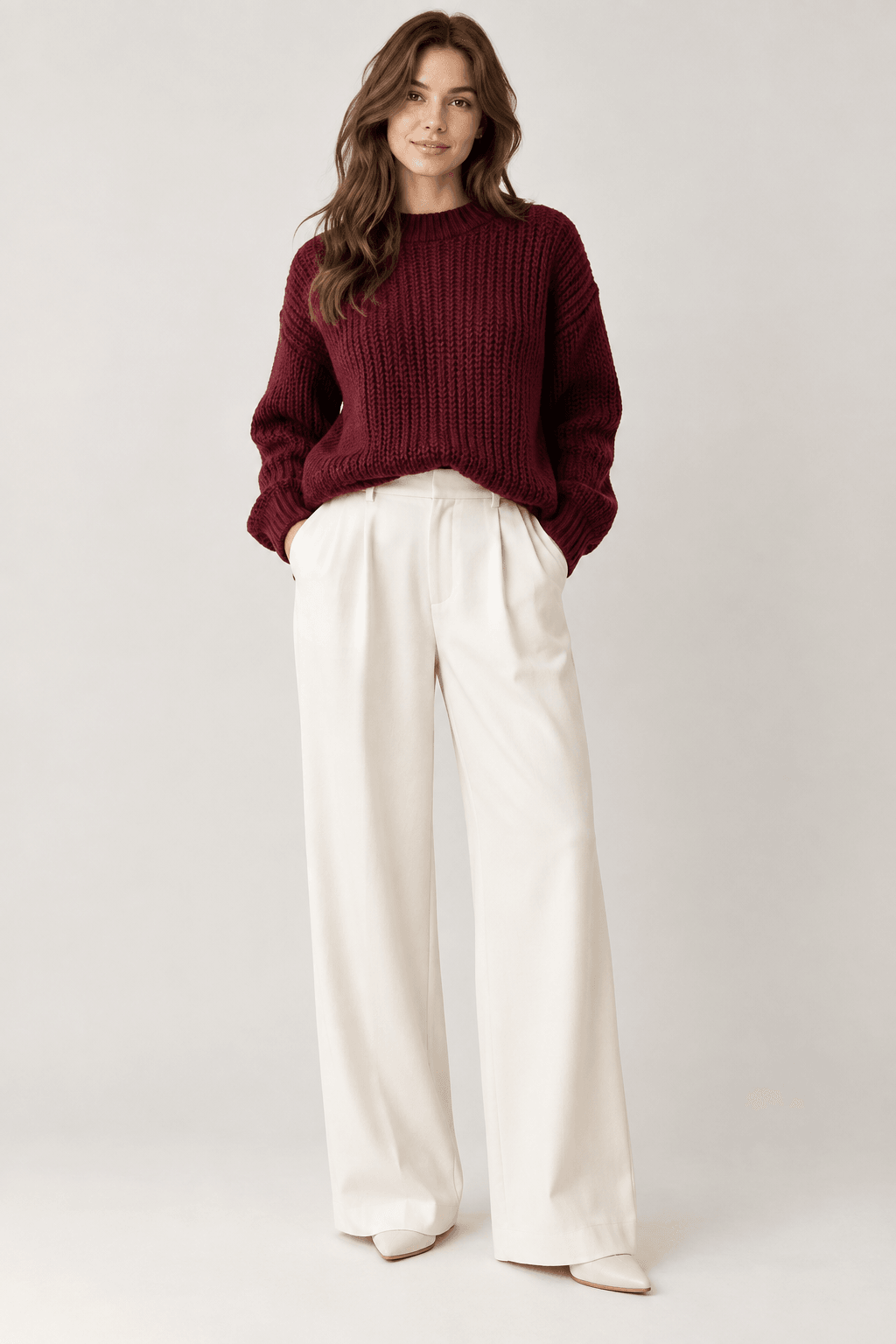 Softly considered
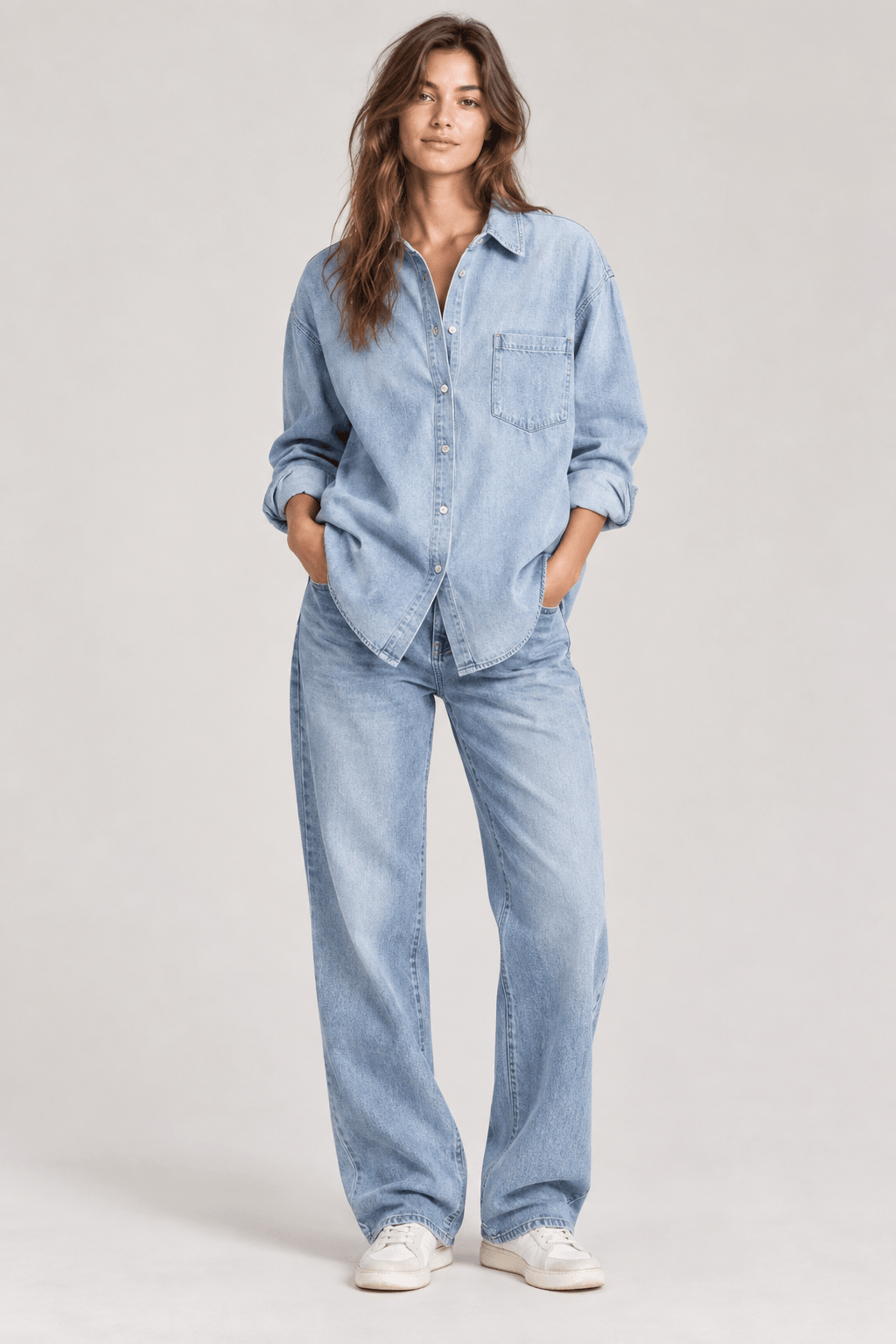 Off-duty uniform
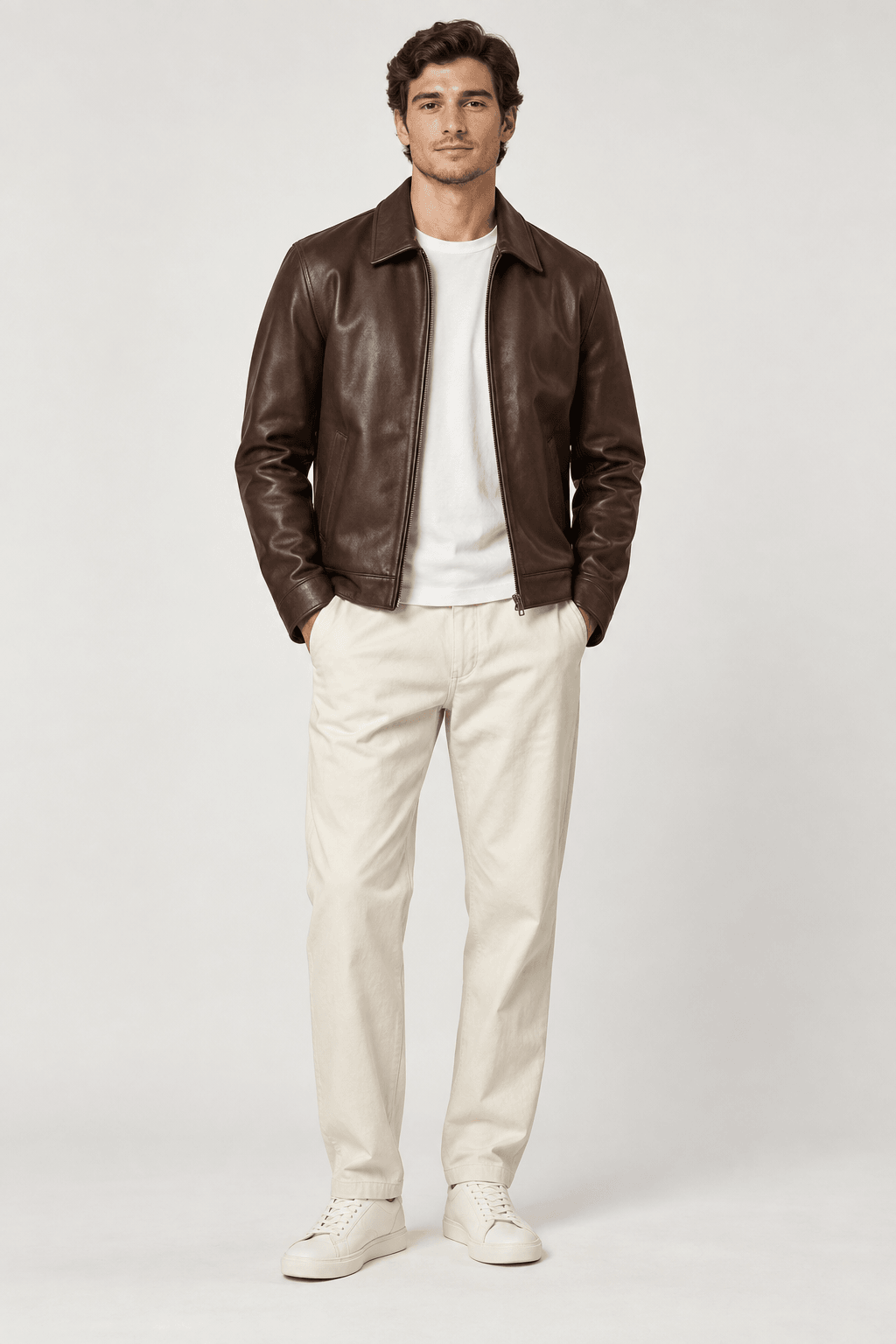 A new classic
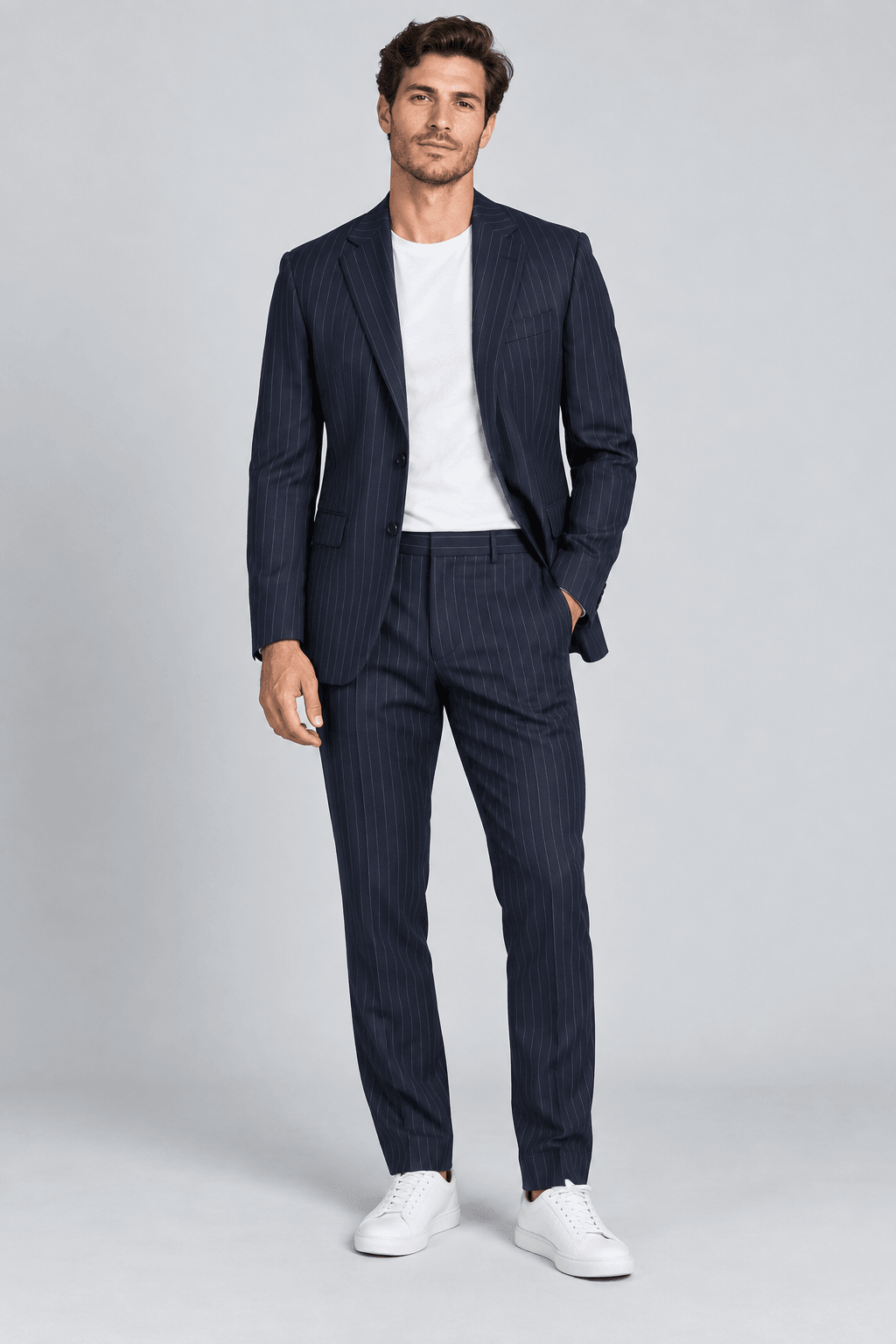 Tailored confidenceThe everyday layerA sharper silhouetteThe evening editA little more easeSomething luminousSoftly consideredOff-duty uniformA new classicTailored confidenceThe everyday layerA sharper silhouetteThe evening editA little more easeSomething luminousSoftly consideredOff-duty uniformA new classicTailored confidenceThe everyday layerA sharper silhouetteThe evening editA little more easeSomething luminousSoftly consideredOff-duty uniformA new classicTailored confidence
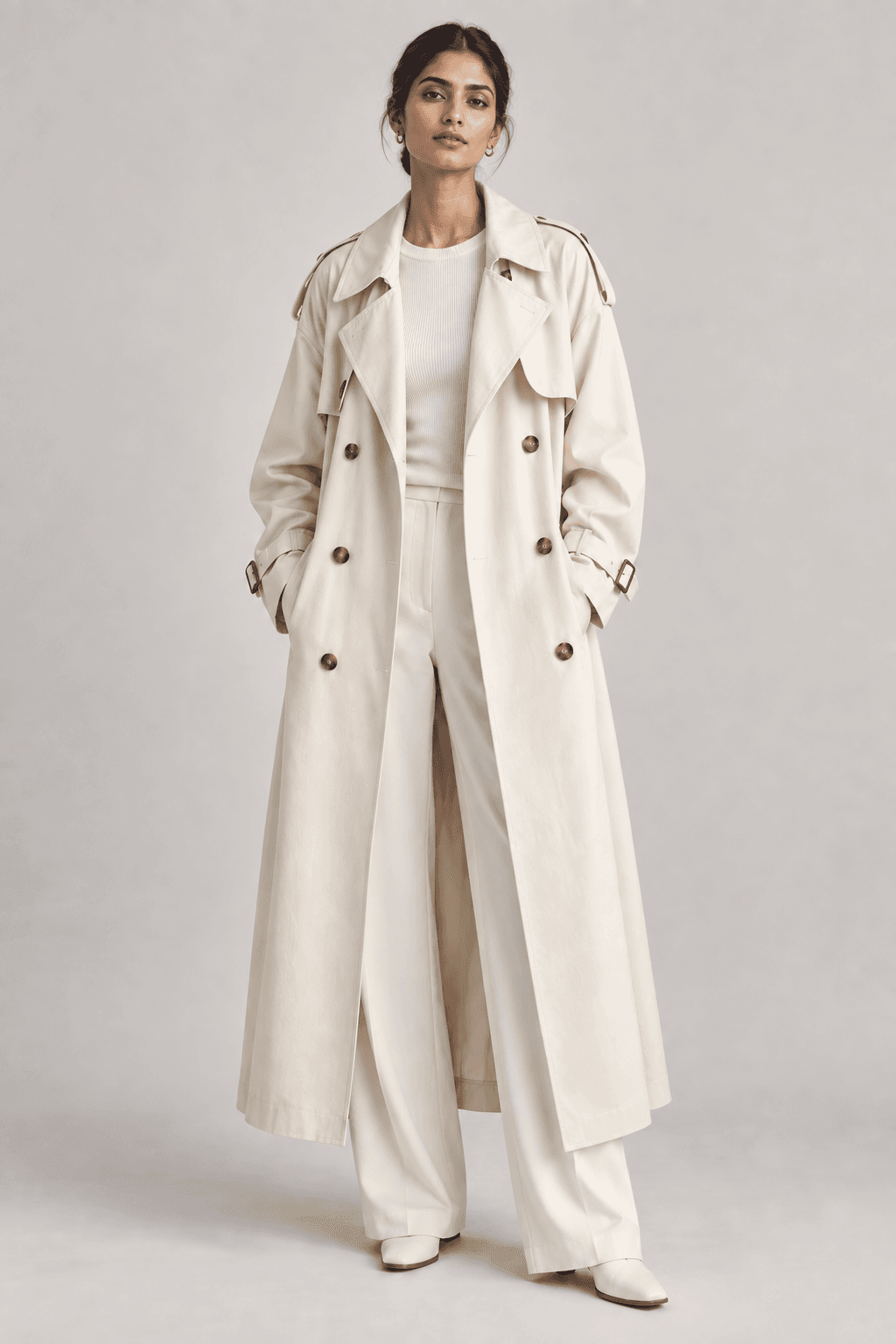 The everyday layer
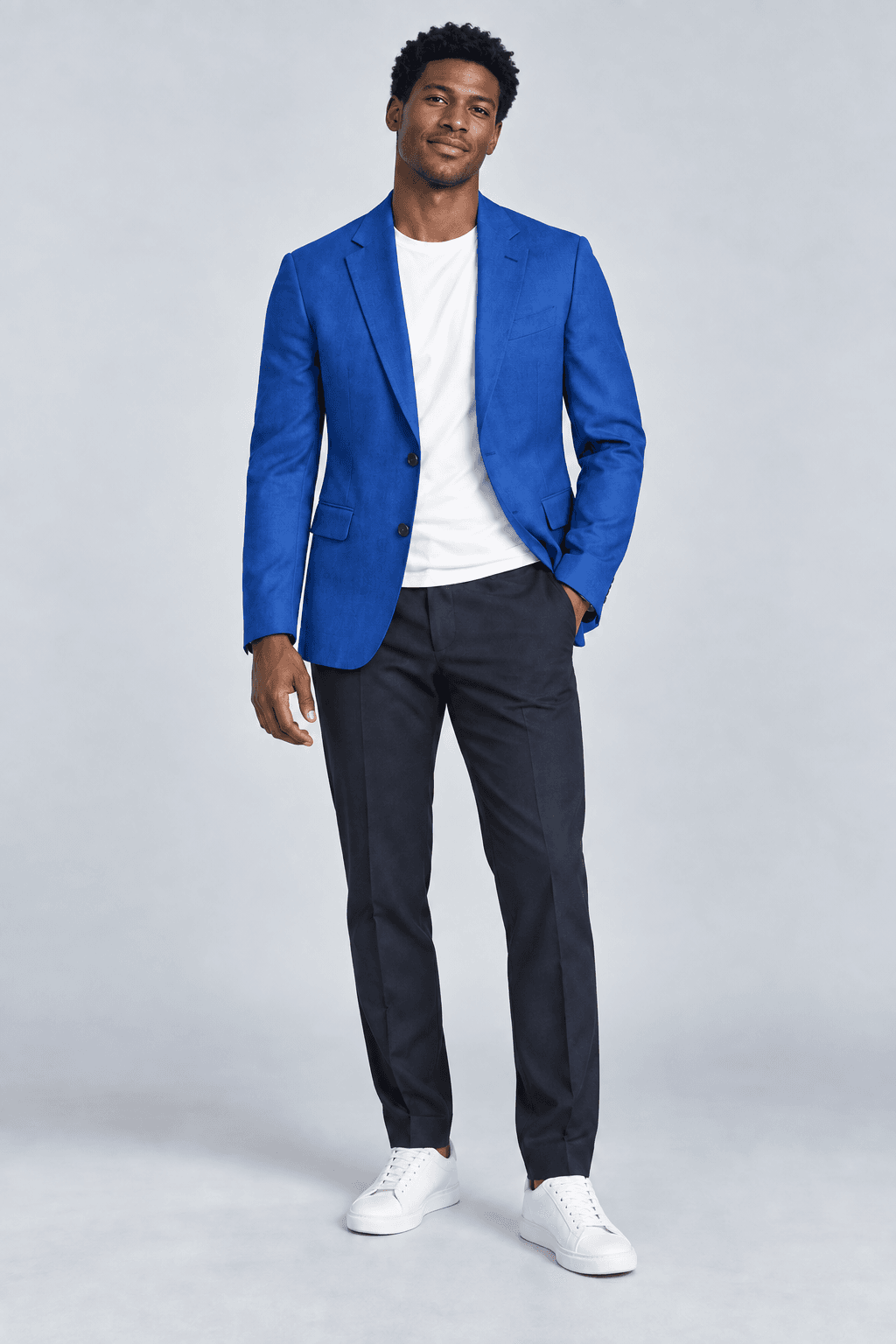 A sharper silhouette
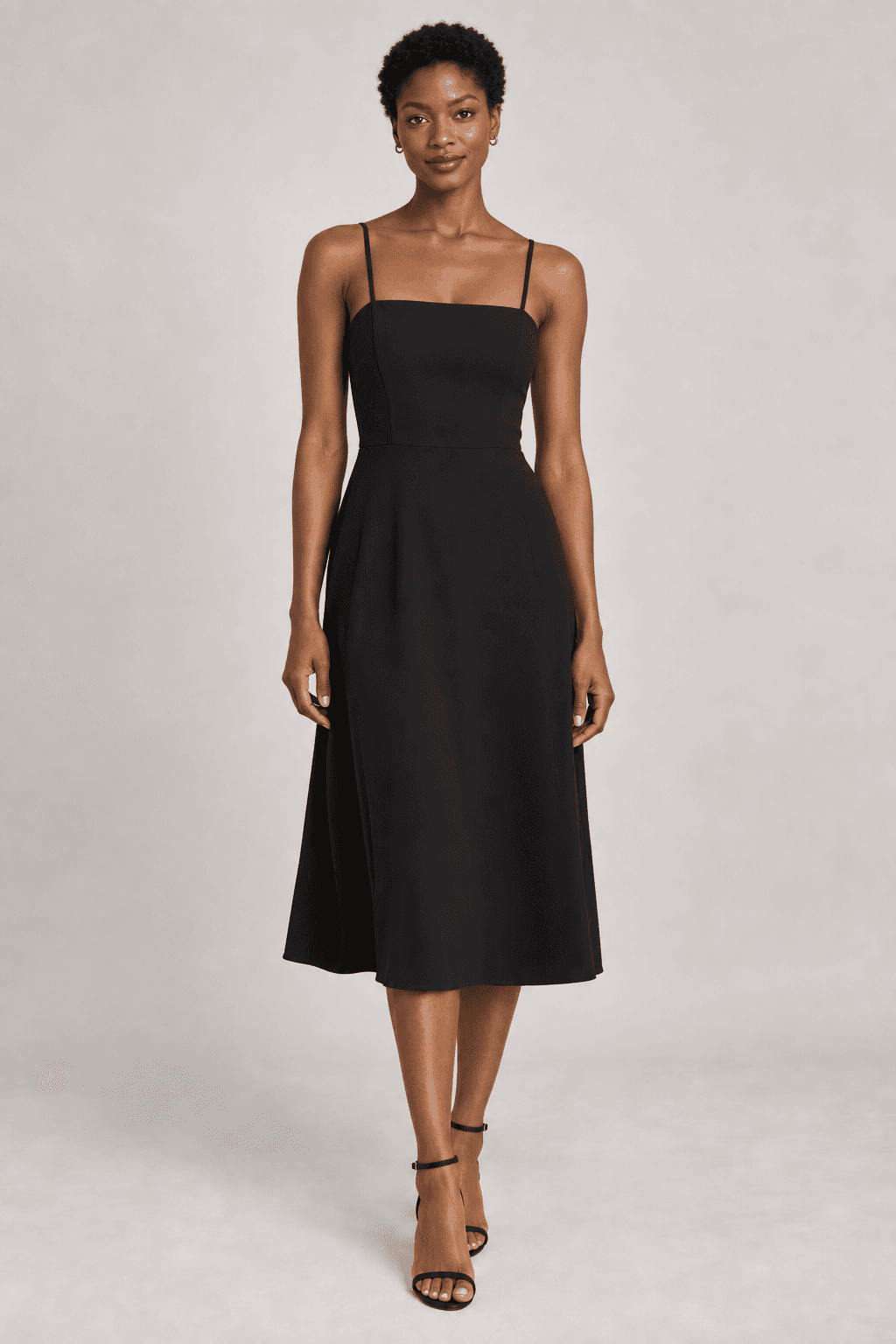 The evening edit
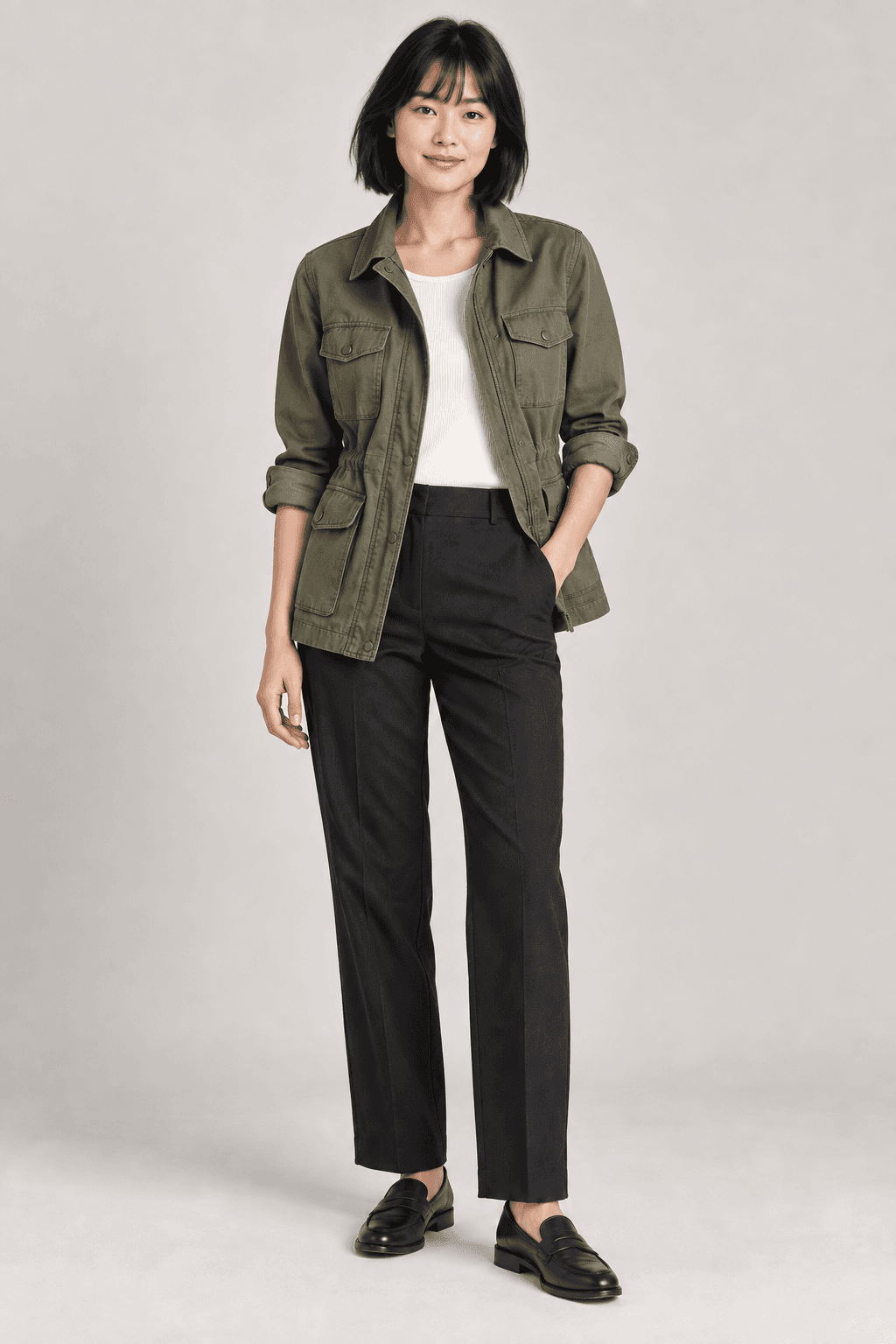 A little more ease
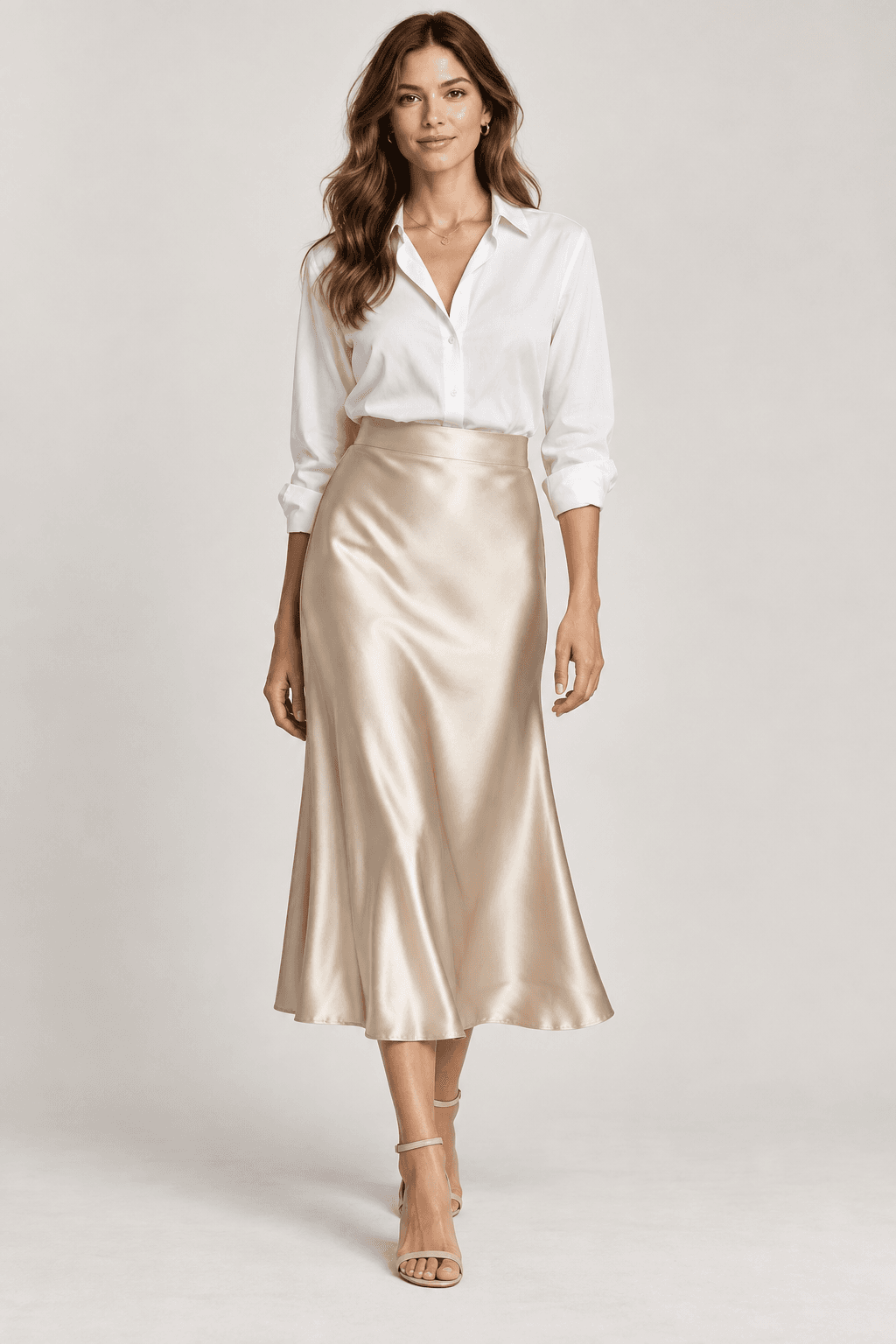 Something luminous
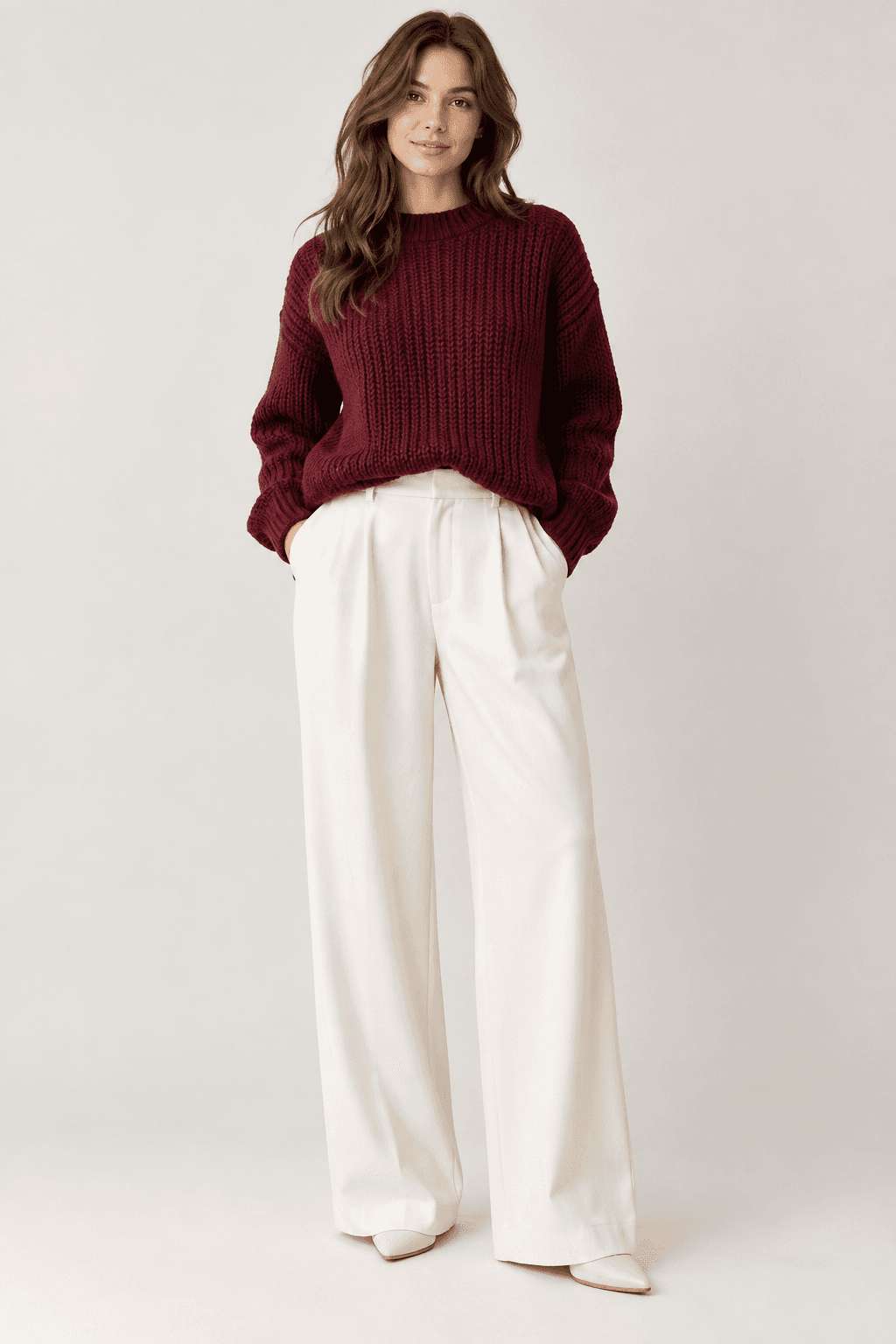 Softly considered
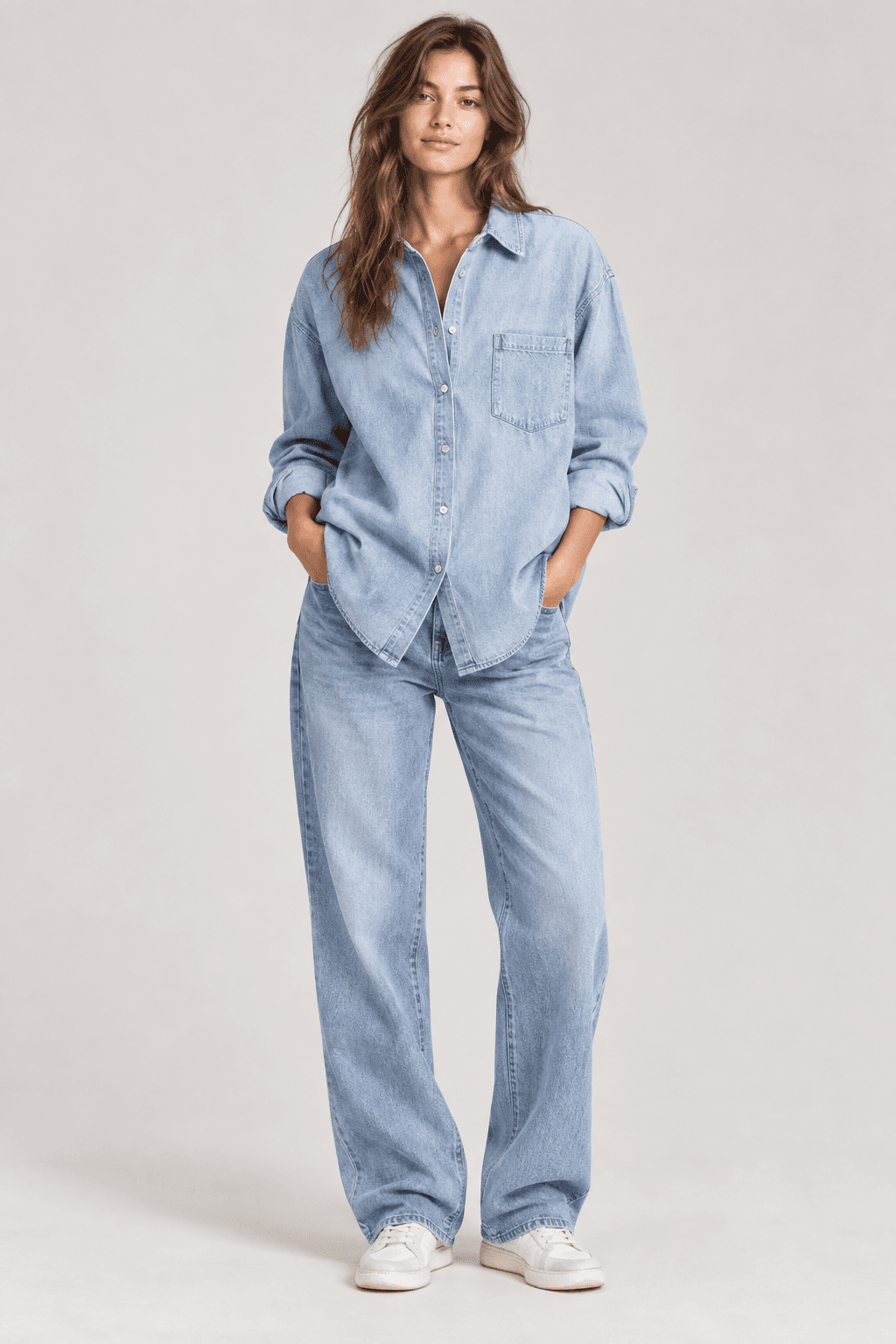 Off-duty uniform
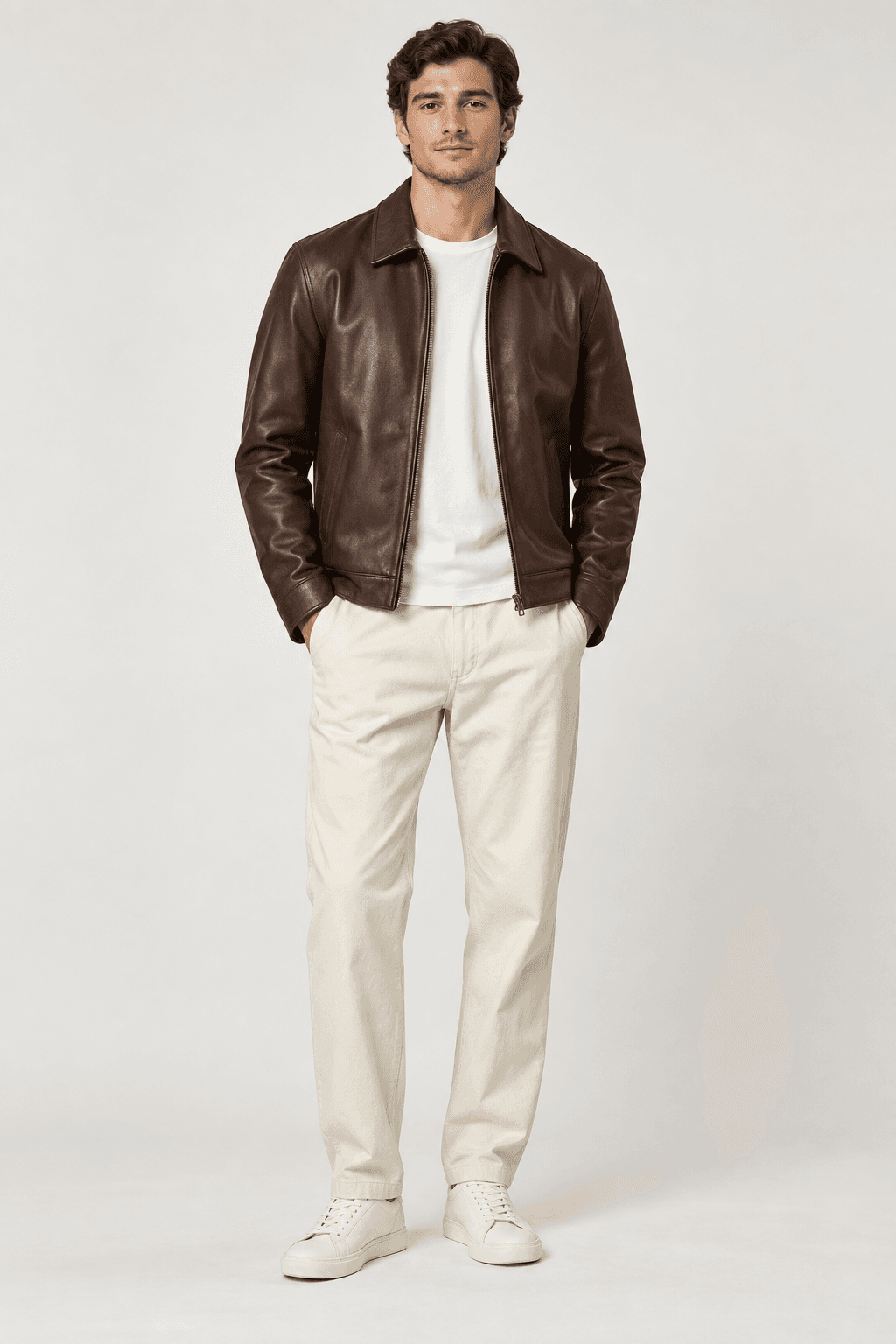 A new classic
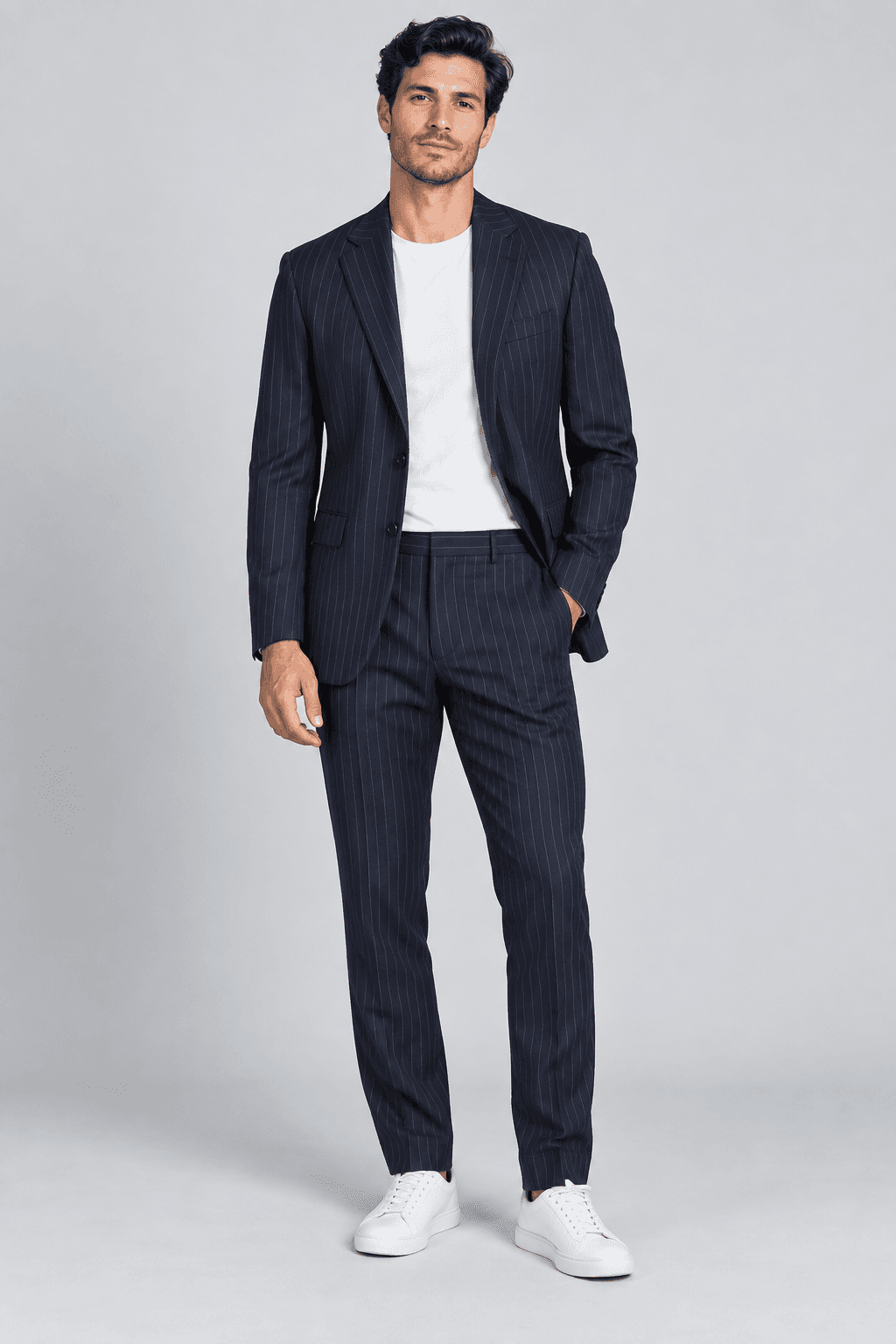 Tailored confidence
For better try-on results, use a front-facing photo with your body clearly visible.
Prioritize your original pose and scene. AI details may still change.
All added garments are used. Combine a top, jacket and bottoms, or use a dress on its own.
Use a single garment image, or crop a full-body photo to the selected garment. Overlapping clothes may still affect the result.
Upload your photo and a garment, then generate your try-on.
Three steps to preview clothes on your own photo.
Try clothes on my photo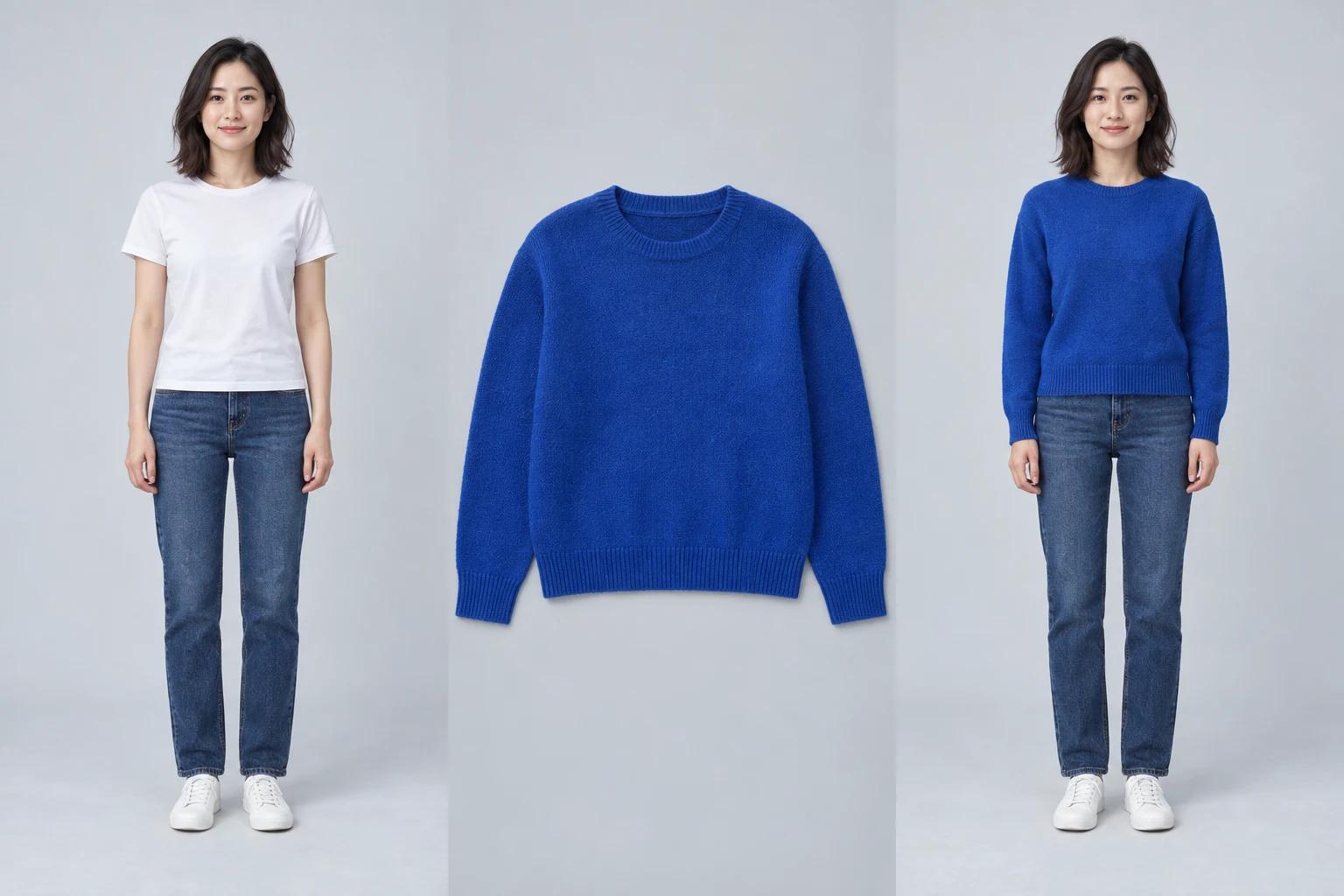
AI-created illustrations of the workflow. Actual try-on results may vary.
Choose a clear photo of yourself so your face and body are visible.
Upload a garment image, paste a product link, or select a piece from the wardrobe below.
Generate your try-on image, then enlarge, download, or save your favorite looks.
Select a garment below to add it to your fitting room, then upload your photo to see how it looks on you.
Go to the fitting room ↗Your style workspace is ready. Add a model and a piece from your wardrobe to create your first look.
Save your model photos for a more seamless fitting room next time.
Go to try-on studio ↗Generate your try-on image, then enlarge, download, or save your favorite looks.
Start with three complimentary try-ons. Subscribe monthly or buy credits when you need more.
3 trial credits
30 credits / month
90 credits / month
225 credits / month
Subscriptions are billed monthly. Cancel any time.
Buy only what you need. No subscription, no automatic renewal. Bonus credits are included after payment.
10 base credits
20 base credits+ 2 bonus credits
30 base credits+ 4 bonus credits
50 base credits+ 10 bonus credits
100 base credits+ 25 bonus credits
200 base credits+ 60 bonus credits
One credit per generation. Purchased credits do not expire. Credits arrive only after payment is confirmed; refunds also remove the corresponding bonus credits.
Practical guides to trying clothes on your photo, choosing reference images, and comparing outfits.
Learn how to try clothes on your own photo online, choose a suitable picture, use your free try-on, and compare AI outfit previews before buying.
Read the guideChange clothes in a photo with garment references for tops, bottoms, dresses and jackets. Learn how to crop full-body references and reduce unwanted changes.
Read the guidePreview a layered outfit on your photo using a top, jacket and bottom. Learn the three-reference rules, dress try-on workflow and how to compare saved looks.
Read the guideUse product photos for virtual try-on, crop worn references, and troubleshoot Amazon or Taobao links that cannot import a garment image.
Read the guideAn online fitting room uses your photo and a garment reference to generate an AI preview of you wearing those clothes. TryOnFit supports tops, bottoms, dresses or jumpsuits, and jackets for comparing outfits before you buy.
New users receive three free try-ons after signing in with Google. Monthly plans and one-time credit packs offer more generations; see the pricing section for current prices and allowances.
Yes. Combine a top, jacket and bottom using up to three garment references. The top is the inner layer and the jacket is the outer layer. Dresses and jumpsuits are tried on separately.
Yes. Add the inner garment under Top and the outer garment under Jacket, optionally with a bottom. The generation instructions separate the layers; covered areas of the top may not be visible.
No. AI images preview style and combinations; they do not measure size, fabric feel or actual tightness. Check the retailer’s size chart and product details before buying.
Import depends on a publicly accessible product page or image. Login checks, access restrictions and missing public product images can prevent import. Save the product photo and upload it directly instead.
We ask the model to preserve your identity, pose, scene and unselected clothing, but generated details may change. Use clear photos and single garment references, then inspect the face, hands and clothing in the result.
Preview clothes on yourself before you buy. Save your favorite try-on images and compare different outfits.